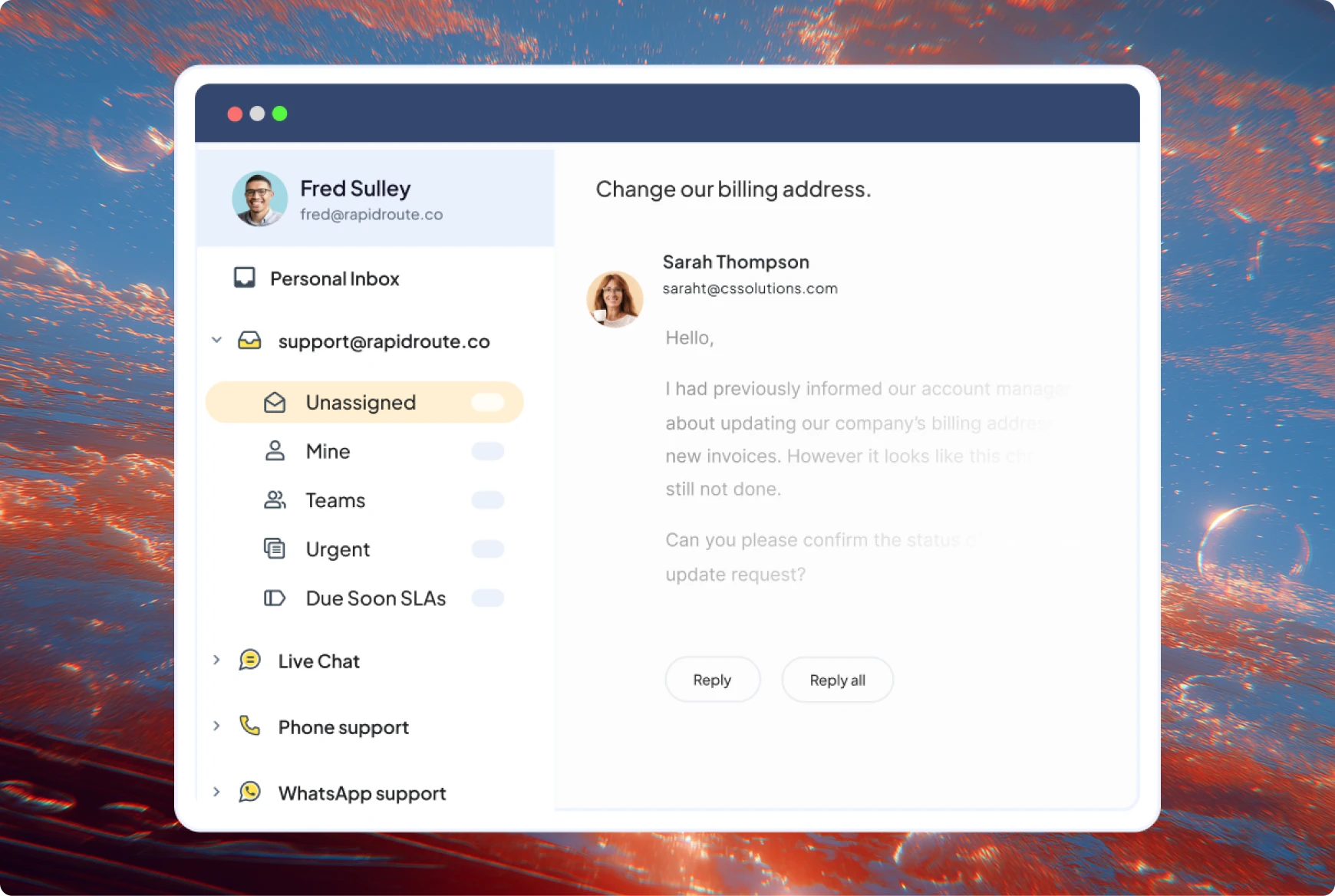
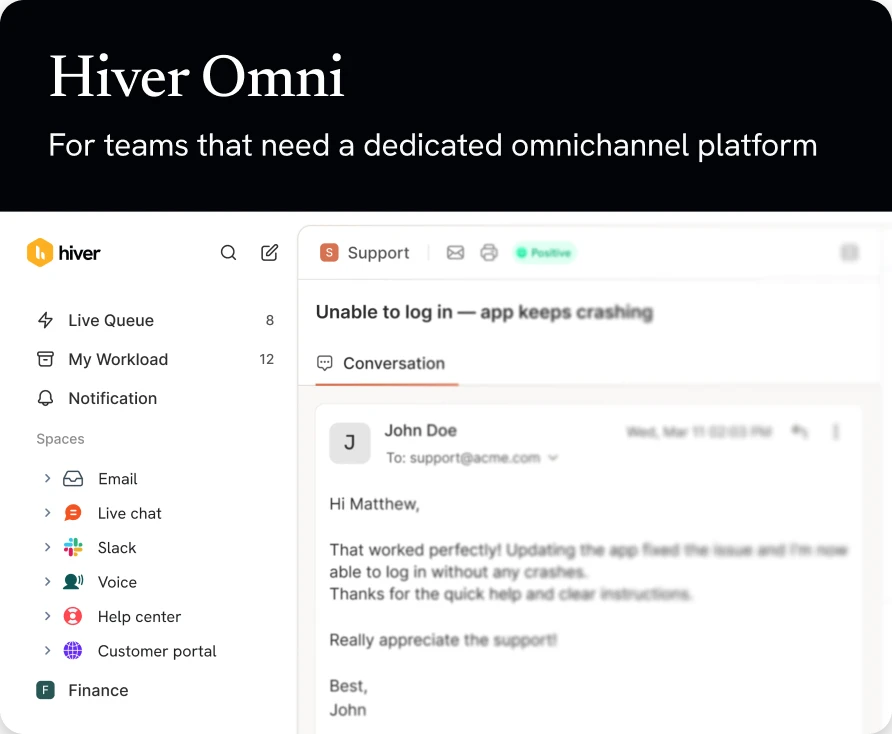
See NetSuite customers, vendors, and transactions beside every conversation in Hiver.
When a customer asks about an invoice or an order, the answer lives in NetSuite while the question sits in your inbox. Hiver’s NetSuite integration closes that gap. It surfaces the right customer, vendor, and transaction records inside the conversation, so your team answers with the numbers in front of them instead of hunting for them.
Here’s what you can do with our NetSuite integration:
See customer, vendor, and contact records in the right panel, surfaced for each conversation, and search NetSuite records and fields without leaving Hiver
Use direct links to open the entry in NetSuite when an agent needs the complete record
Hover over invoice, sales order, and purchase order IDs in the subject or body to pull their details inline with Smart Previews
Log a conversation in NetSuite by syncing the full thread to a sales order, purchase order, invoice, vendor, or customer, with every future reply logged automatically
Give support reps the NetSuite context they need without a NetSuite license, so the whole team sees customer and transaction data without paying for extra seats
Setup uses token-based authentication with your NetSuite account, and admins control exactly which inboxes and roles can see NetSuite data.
Hiver offers the best experience on your desktop or laptop browser. Switch devices and download our extension from the Chrome Web Store to start using Hiver.